
Plantiga 2.41
We’re excited to share our latest Plantiga platform update — packed with some powerful upgrades, fresh tools, and meaningful improvements designed to make the experience smoother and more precise.
Group Activity Editor
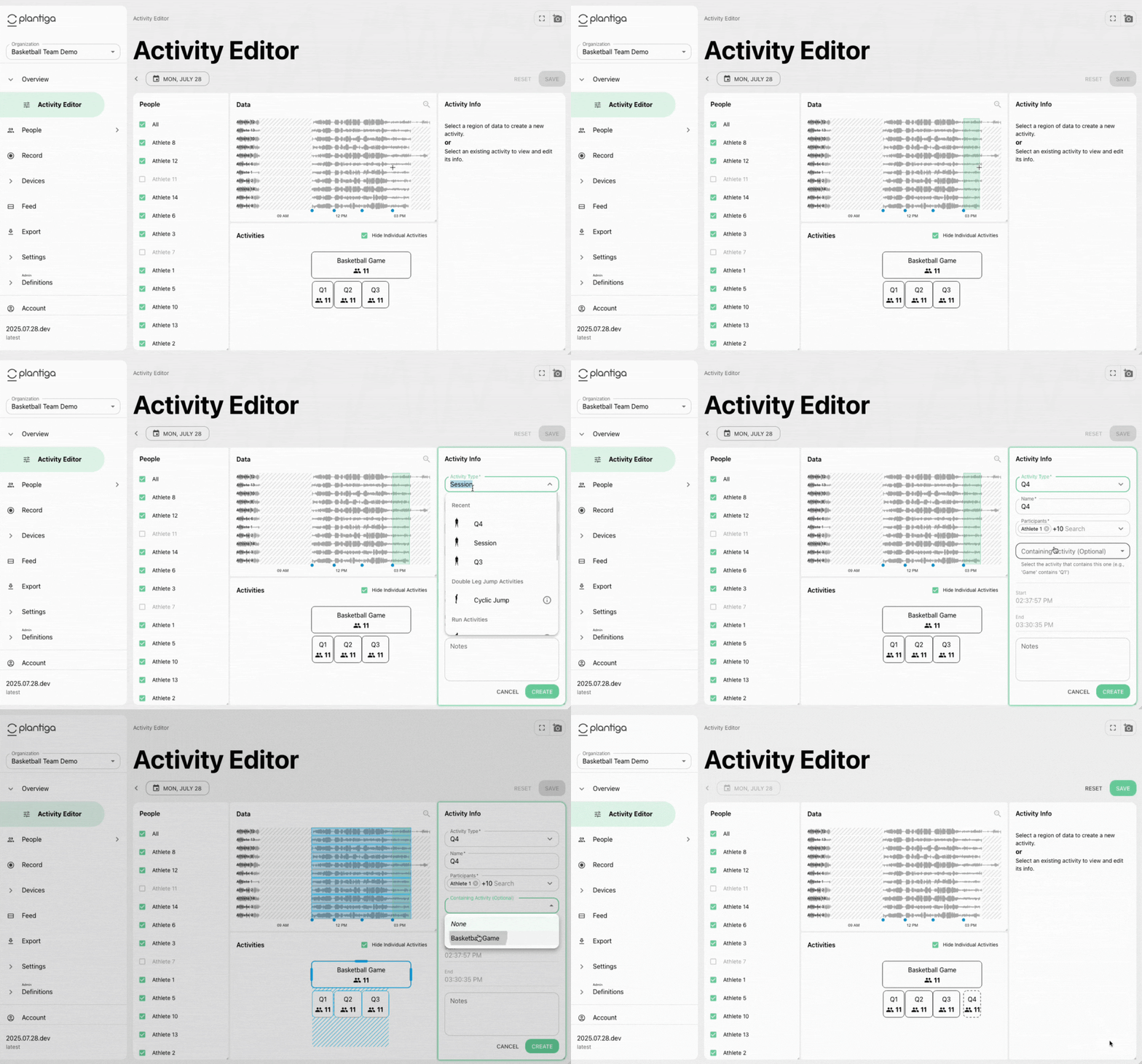
You asked, we delivered. You can now manage group activities in bulk, for the whole squad or a subset. Split your sessions into games, halves, thirds, innings, specific drills, or whatever your sport requires. For example, below you can see how easy it is to create a Basketball game and its quarters for your whole team. This will be released Tuesday, August 5th.
“Moments” Tagging & Workflow
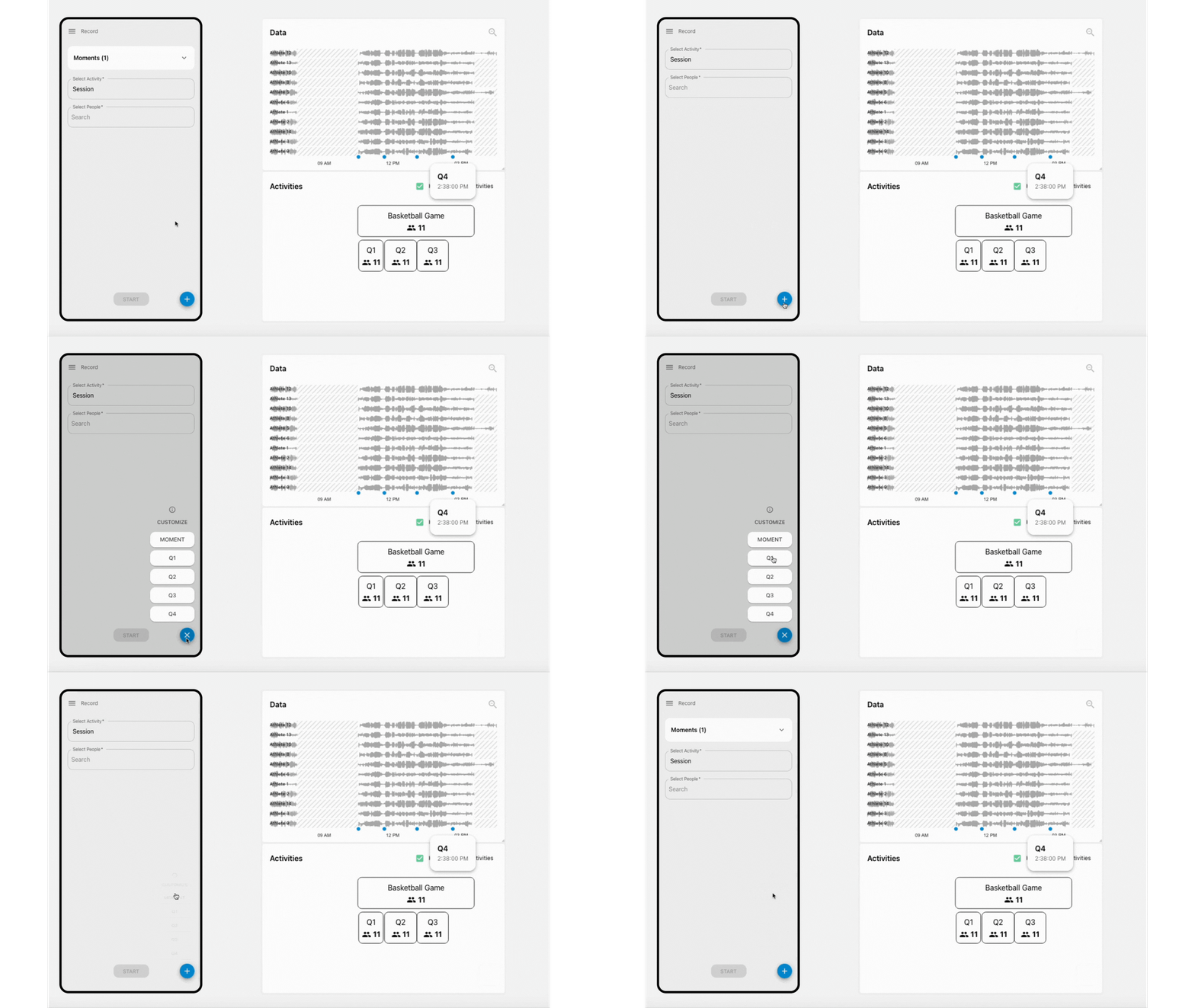
From the Record page, just hit the blue “Moments” button to tag key moments — a quarter, drill, injury event, or anything else. These “Moments” can be viewed from the Group Activity Editor to help split up your sessions or from the Explore page to further refine your analysis - a huge boost in workflow efficiency. This will also be released Tuesday, August 5th.
Meet the 903 Case
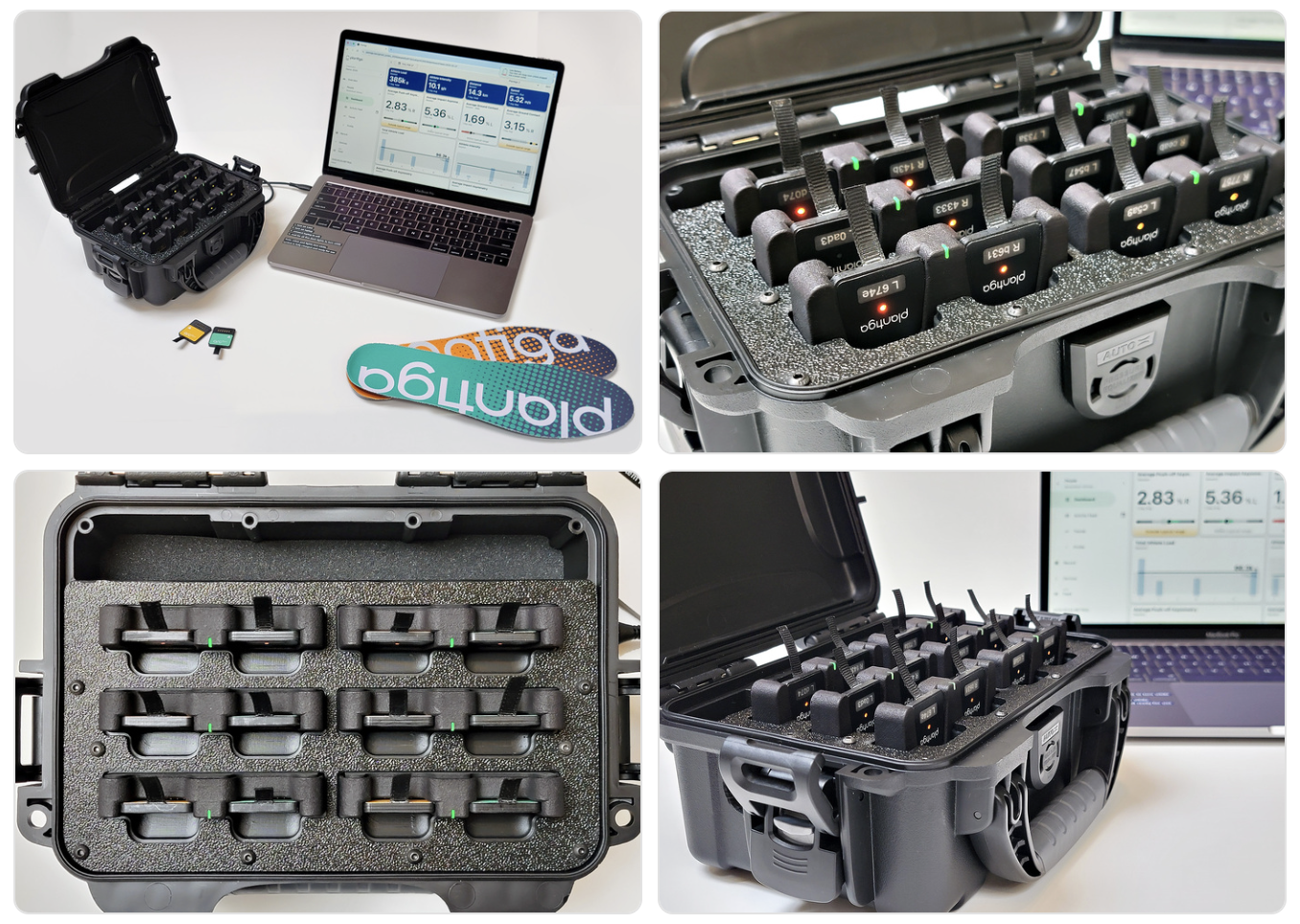
Our newest Travel Case is here! It holds up to 6 units and runs directly off a USB-C connection with your Macbook — no wall power required. It’s compact, road-ready, and built for hotel rooms, home setups, or on-the-go use.
Improvements & Fixes
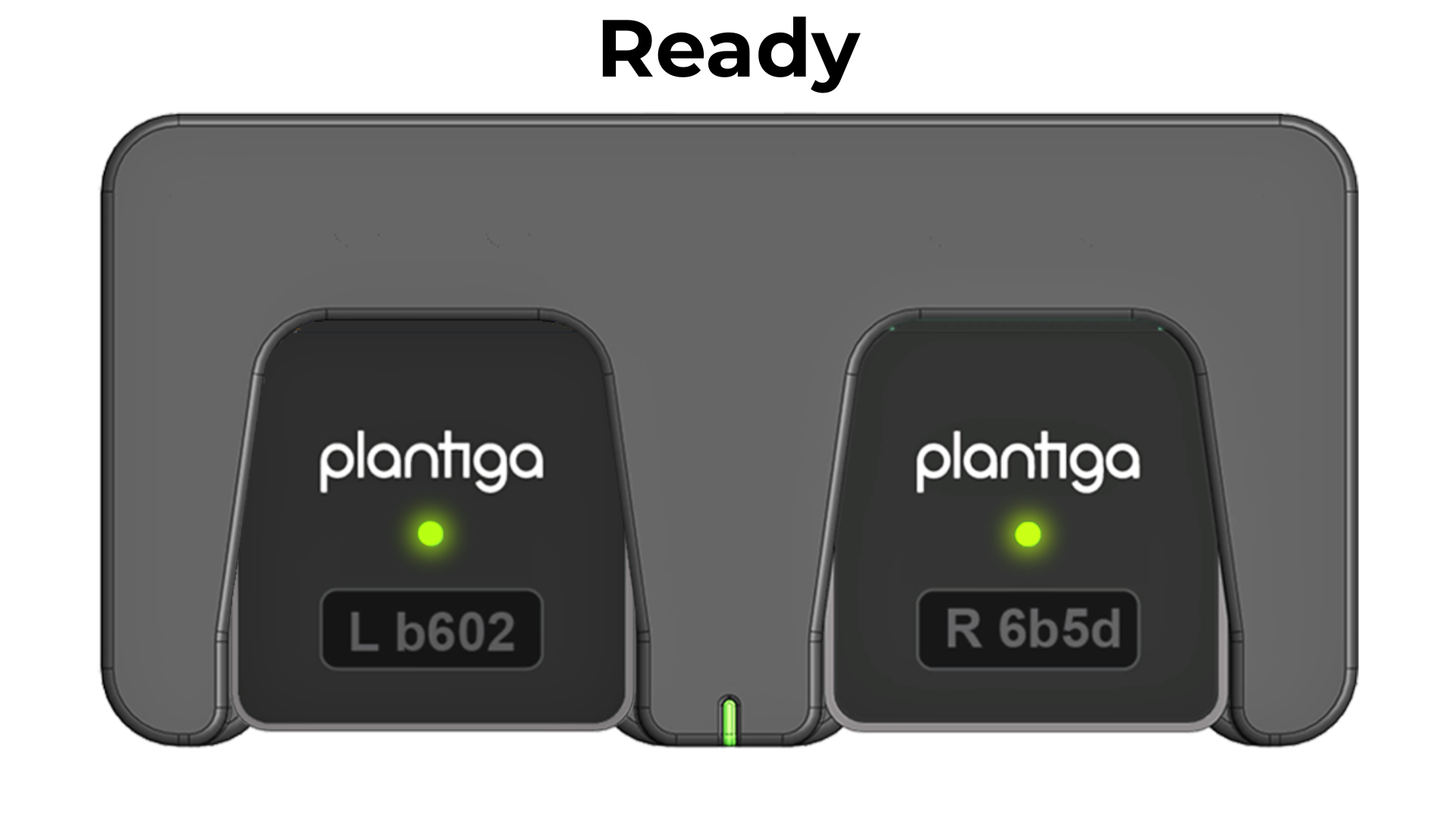
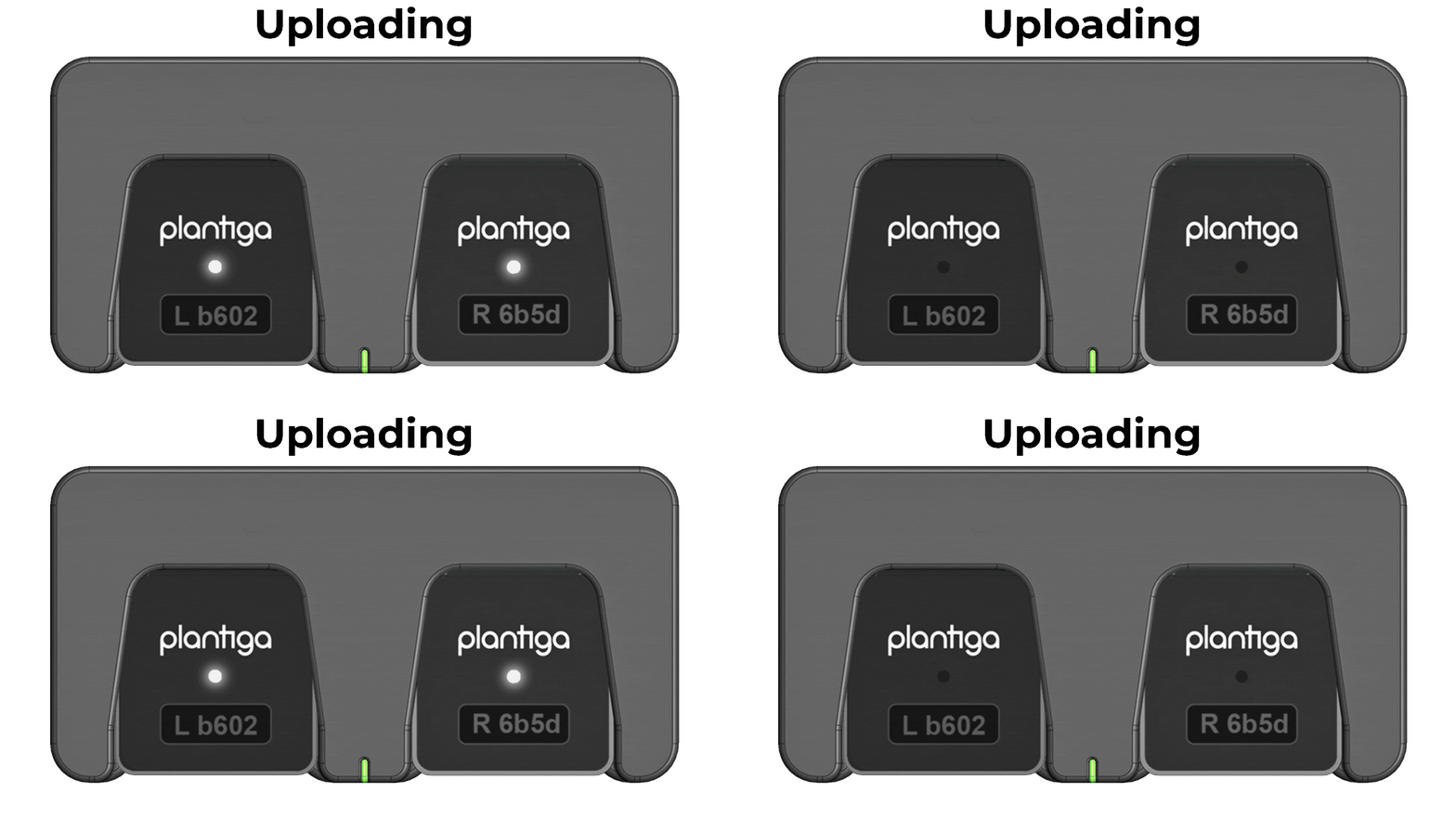
Updated light codes:
Better mobile experience:
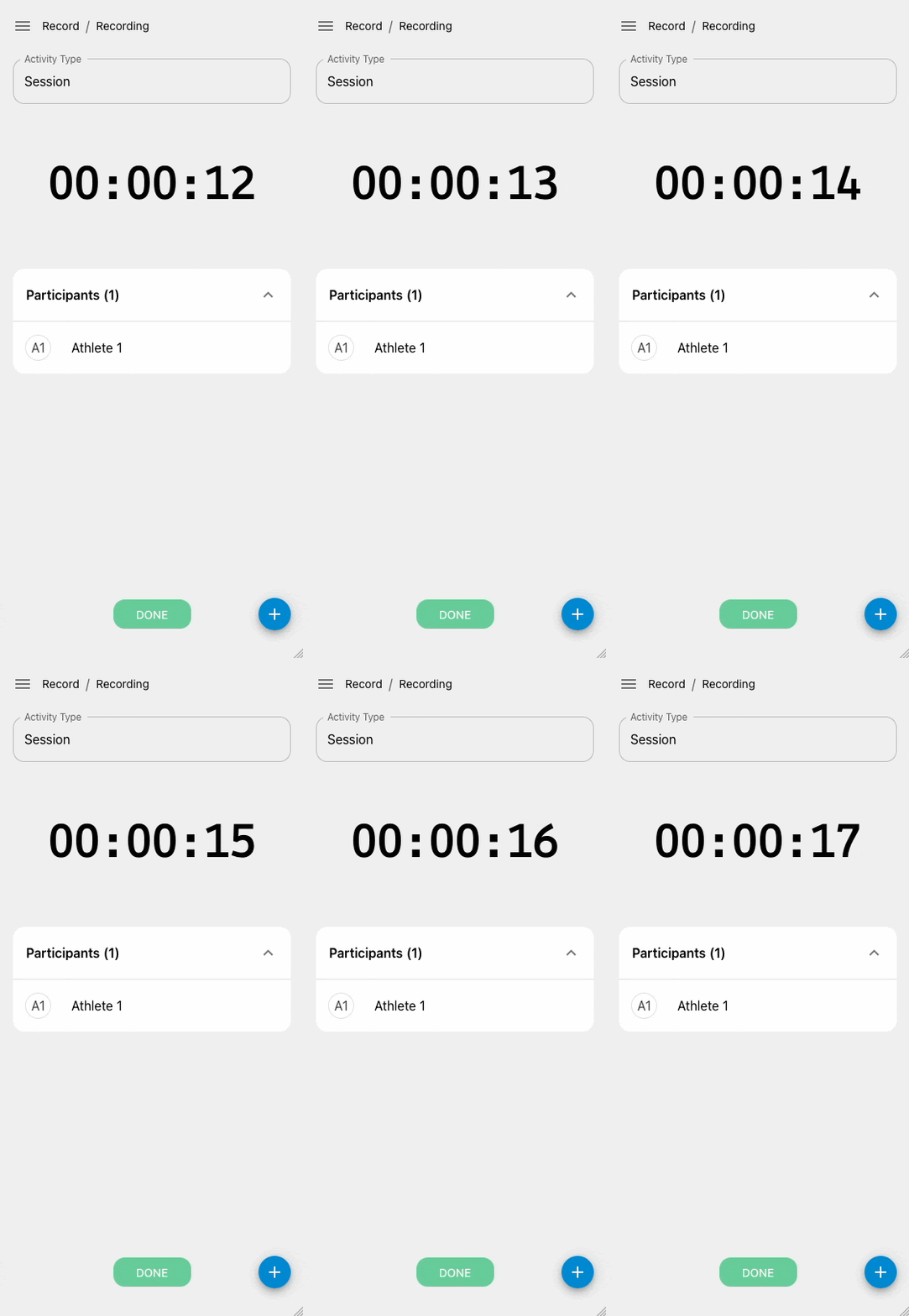
Bolder Recording Screen
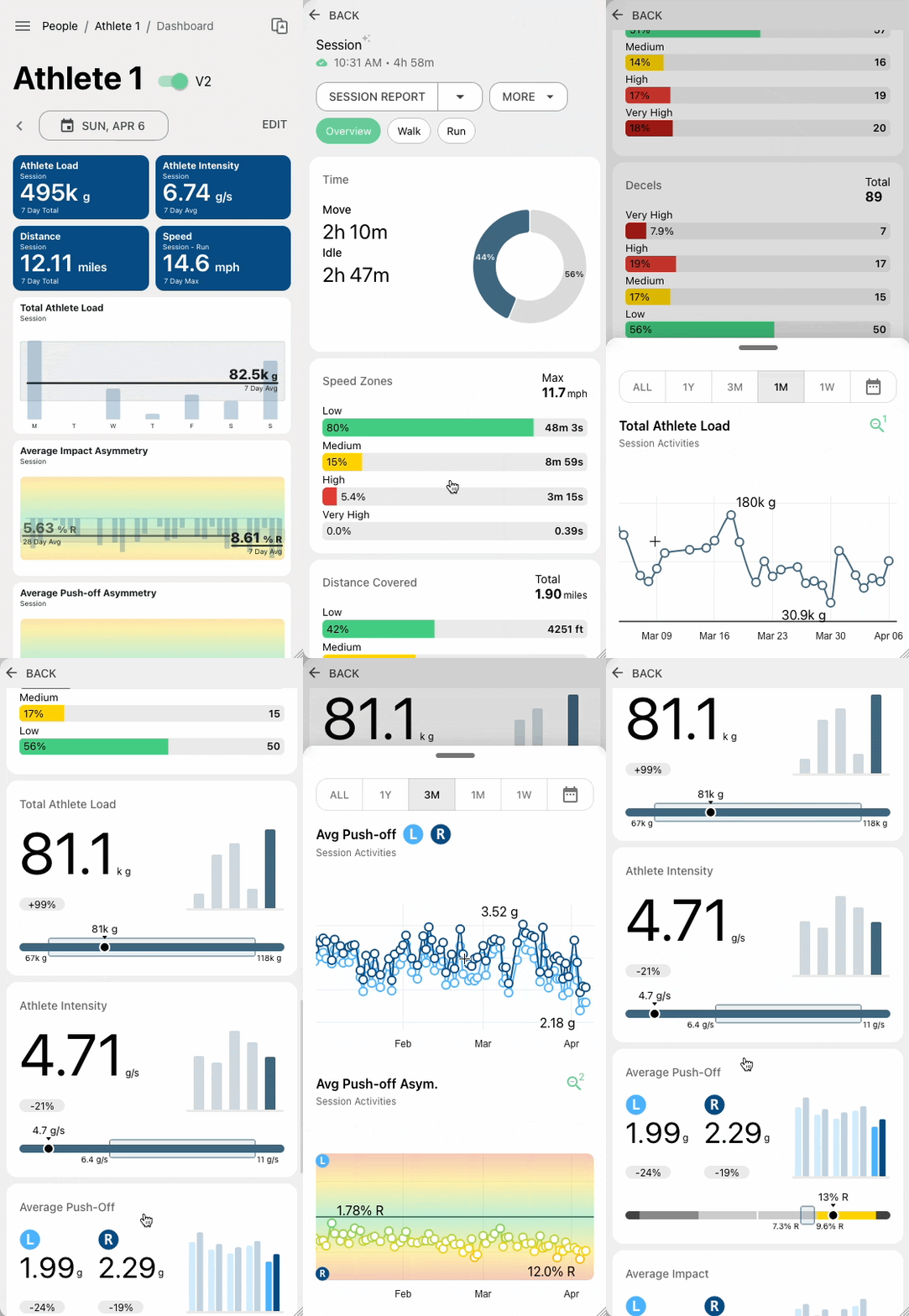
More intuitive navigation and touch support on plots
Firmware patch:
We have resolved an issue where sweat (salt water) could cause pods to hibernate.
As always, we’re building this platform for you — to help you capture the most accurate data, with the least friction, and the most meaningful insights. Let us know what you think and what you’d like to see next.
Cheers,
Quin and the Plantiga Team